Ransomware and Dental Imaging: Protecting X-Rays, CBCT, and Charts
Imaging files are large, irreplaceable, and exactly what attackers want to encrypt. Here is how to make sure you can always get them back.
· 5 min read
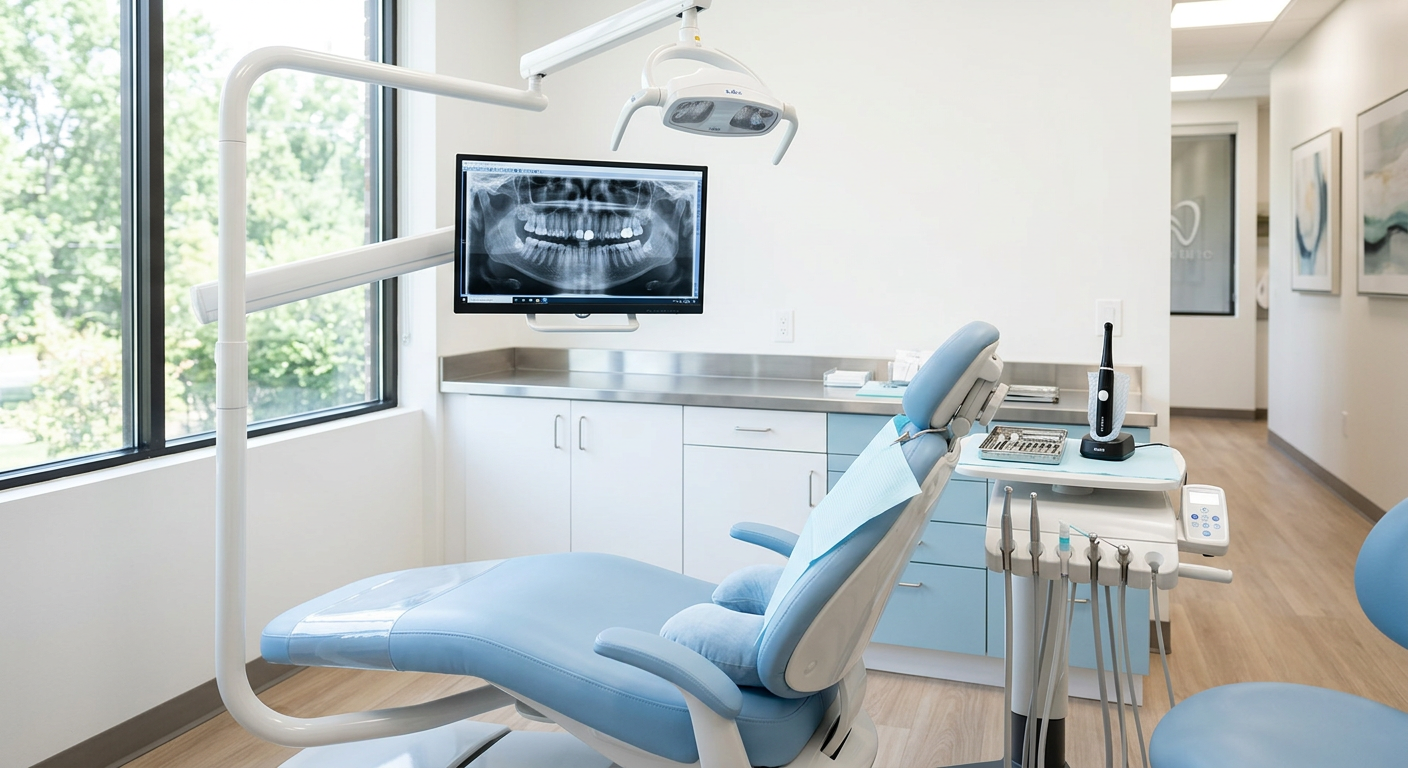
Healthcare organizations remain prime targets for ransomware because downtime is so costly and patient data is so valuable. Dental, orthodontic, and oral surgery practices are no exception — and imaging data makes the problem bigger.
Why imaging is uniquely vulnerable
Pano, CBCT, and intraoral images are often stored on a local server or shared drive that every operatory can reach. That convenience means a single infected workstation can encrypt years of diagnostic images in minutes.
The backup rule that actually works
We follow a simple principle: at least three copies of your data, on two different types of storage, with one copy off-site and isolated from your network. Isolation is the key — if ransomware can reach your backup, it can encrypt your backup.
- Local backup for fast restores of a single file or workstation
- Encrypted, off-site cloud backup that is immutable for a set period
- Regular test restores, so you know recovery works before you need it
Stop it before it starts
Most ransomware arrives by email. Advanced filtering, endpoint detection and response, timely patching, and short staff training sessions on phishing dramatically lower the odds of an infection in the first place.
If an incident does happen, HIPAA and California breach-notification rules may require you to notify patients. Encryption and good logging make it much easier to determine what was actually exposed.
This article is general information about IT and security practices, not legal advice.