An IT Checklist for Orthodontic and Oral Surgery Practices
Specialty practices have specialty systems. Use this checklist to find the gaps before they cost you chair time.
· 4 min read
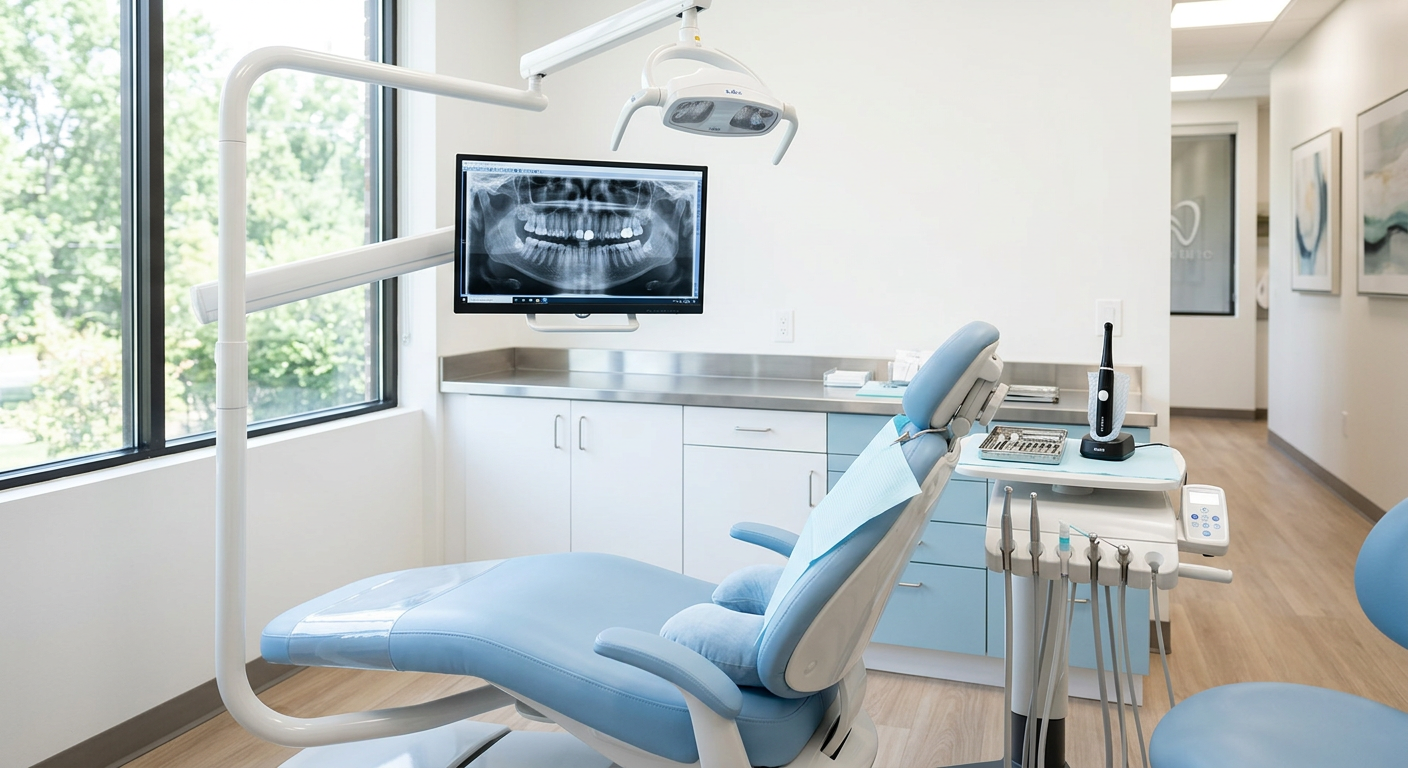
Orthodontists and oral surgeons depend on more specialized technology than a typical general practice — treatment-planning software, 3D scanners, CBCT, surgical guides, and patient tablets. Each adds value, and each adds risk.
For orthodontic offices
Ortho offices see high patient volume with frequent, short visits. Focus on:
- Fast, reliable Wi-Fi for check-in tablets and intraoral scanners
- Separate networks for patient Wi-Fi and clinical devices
- Secure transfer of scan files to aligner labs
- Workstations powerful enough for treatment-planning software
For oral surgery practices
Surgical practices handle referrals, sedation records, and large 3D datasets. Focus on:
- Secure, HIPAA-appropriate channels for referrals from general dentists
- Redundant storage and backup for CBCT and surgical planning data
- Battery backup so a power blip does not interrupt a procedure
- Audit logging on systems that store sedation and surgical records
For everyone
Every specialty practice needs a signed BAA with vendors that touch patient data, a current HIPAA risk assessment, and a tested disaster recovery plan. If you cannot confidently check each item, it is time for a review.
This article is general information about IT and security practices, not legal advice.