Secure Remote Work for Attorneys: Courthouse, Home, and Everywhere Between
Practicing law from anywhere is now normal. Here is how to keep privileged information safe on the go.
· 4 min read
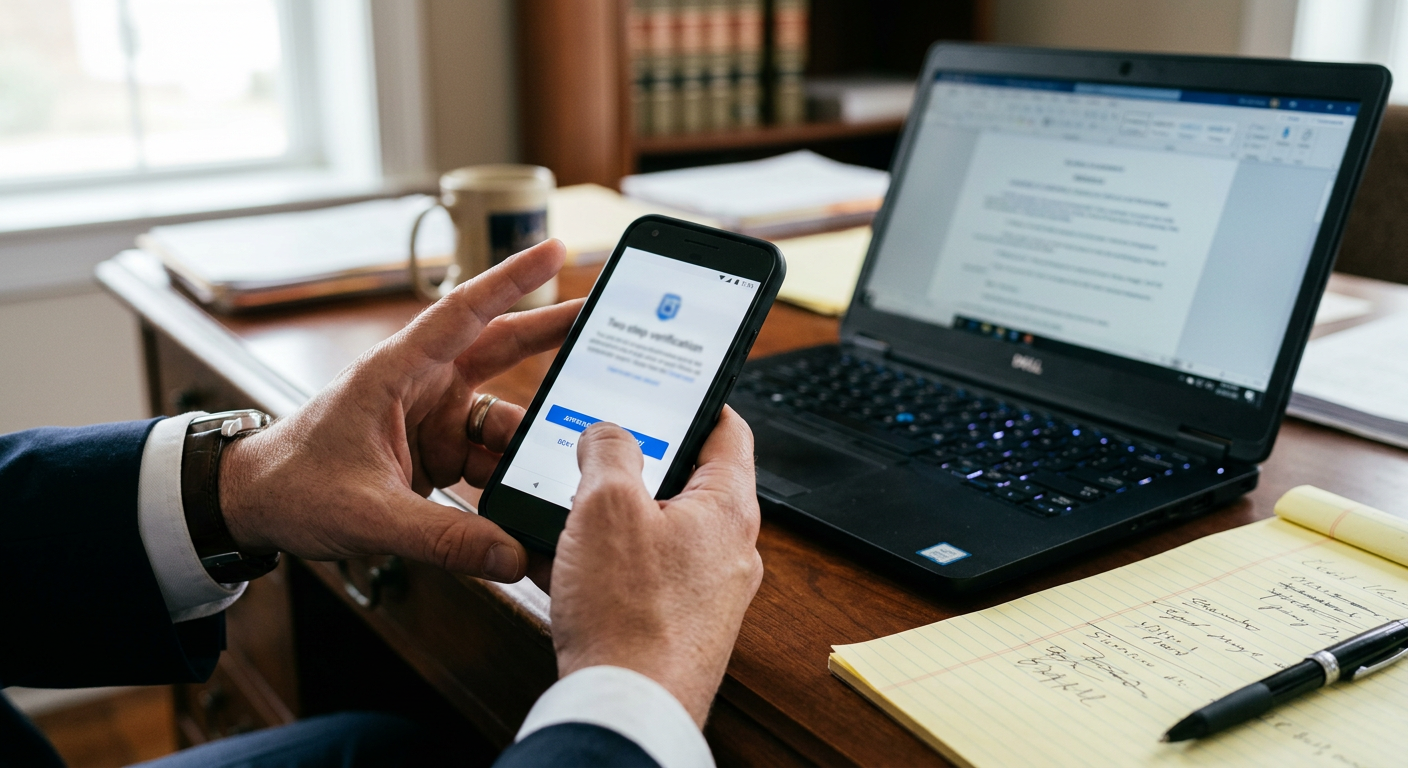
Attorneys draft briefs from home, review discovery on the train, and respond to clients from courthouse hallways. Flexibility is valuable — but each location brings new risks to confidential information.
Public Wi-Fi
California ethics guidance has specifically considered attorneys using public wireless networks. The practical answer is to avoid sending client data over untrusted networks without protection: use a phone hotspot or a properly configured secure connection.
Lost and stolen devices
A laptop left in a car can become a reportable breach. Protect against it with:
- Full-disk encryption on every device
- Automatic screen lock and strong sign-in
- Device management that allows remote lock and wipe
- Files stored in a secure cloud system, not only on the laptop
Home offices
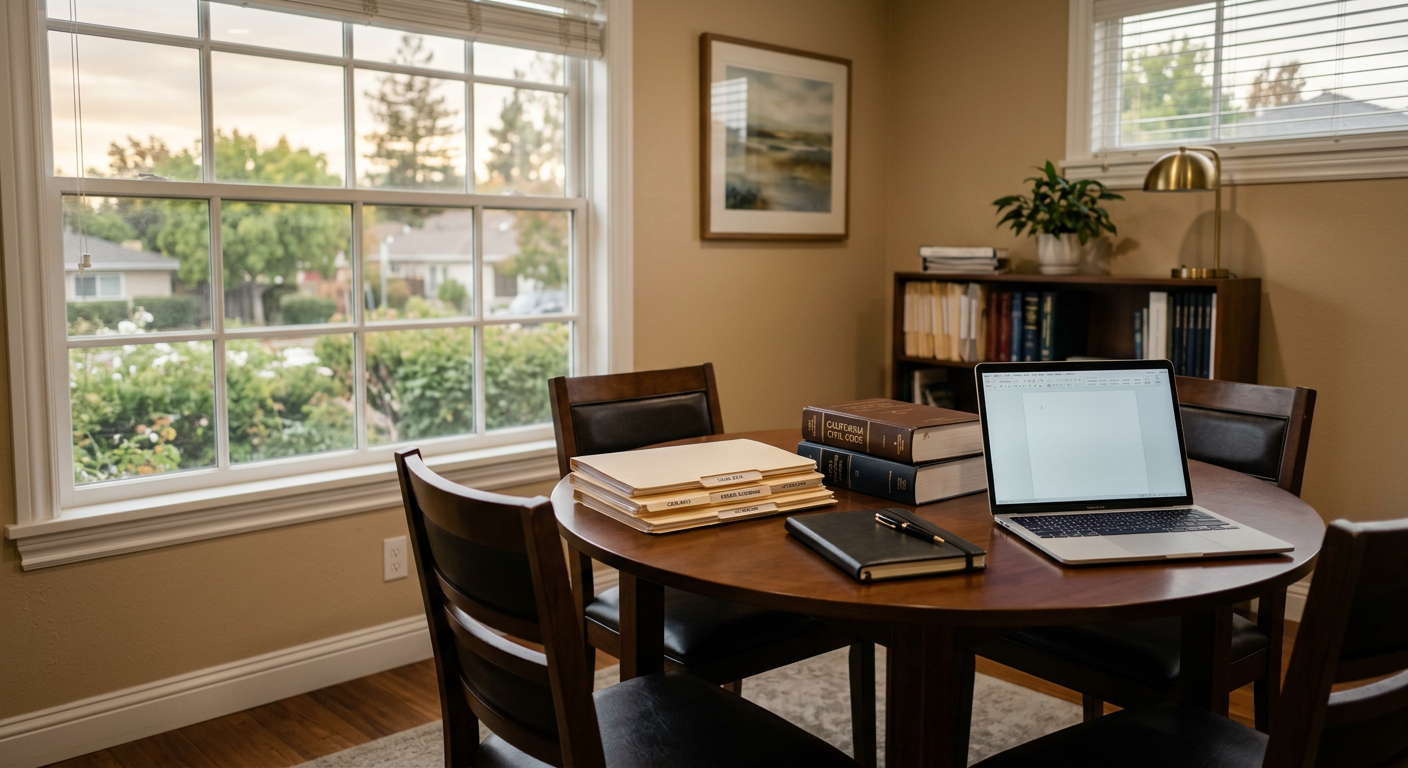
Shared family computers and consumer routers are not appropriate for client work. Firm-managed devices and a few simple router settings go a long way toward keeping home offices as secure as the office downtown.
This article is general information about IT and security practices, not legal advice.